Administrators can use the Desk Booking Data dashboard to understand:
- How many users have made bookings
- How many bookings were made
- Details about individual room bookings
This dashboard provides filters to narrow the reporting data and date range. The data displays all distinct users, except for any bookings that were less than five minutes in duration.
Available Insights will vary based on what features have been implemented.
Navigate to the menu item > Desk Booking Data 
View details on the Available Metrics.
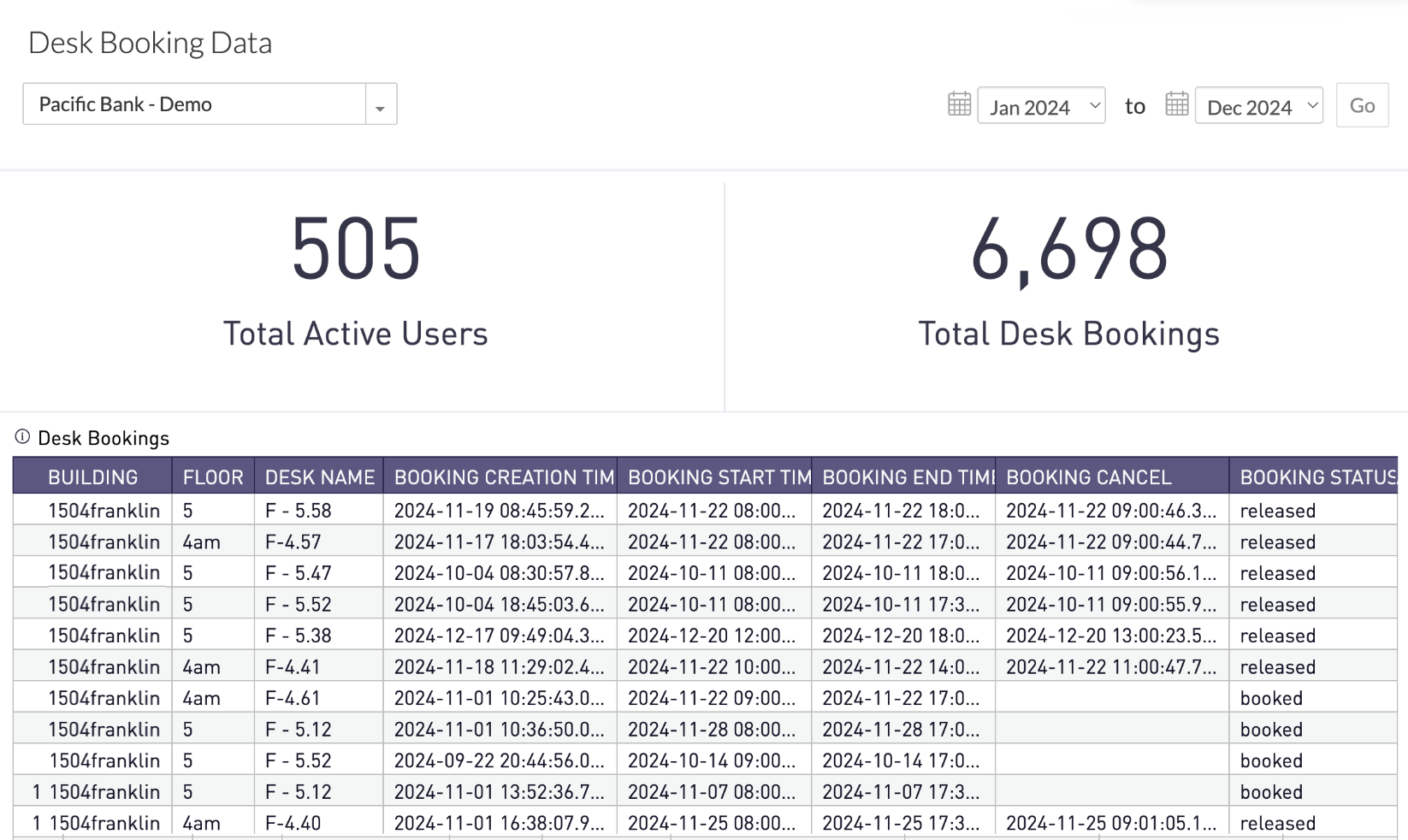
INSIGHTS – Available Metrics
- The data includes information up to the end of the previous day.
- Does not include bookings that were less than five minutes in duration.
|
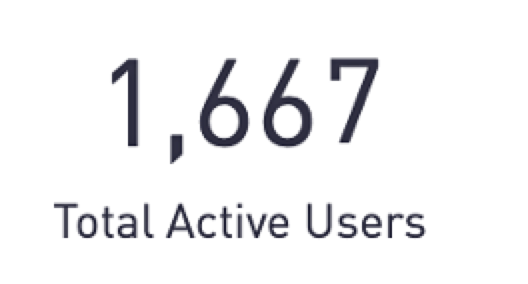
Total Active Users
Displays the number of distinct users within the selected parameters.
|
|
|
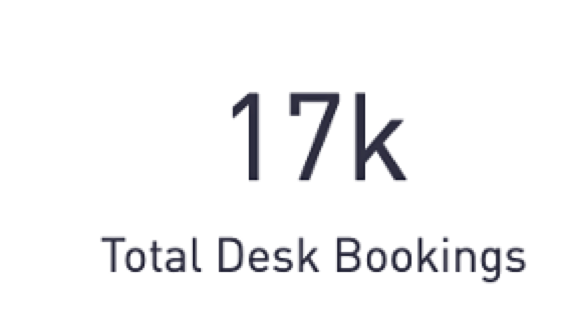
Total Desk Bookings
Shows the number of desk bookings within the selected parameters.
|
|
|
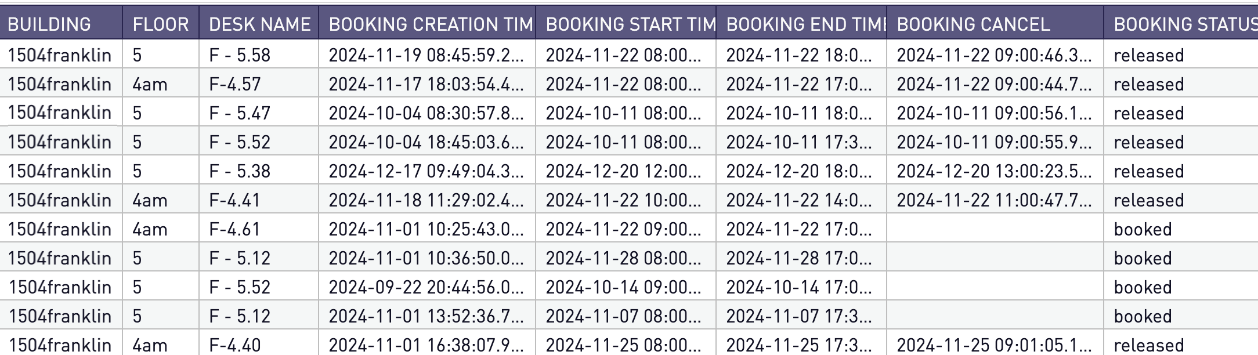
Desk Bookings
Table includes all the desk bookings within the selected parameters.
|
All Insights Dashboards